 Podivio
Catalog
Everything you want to hear and watch
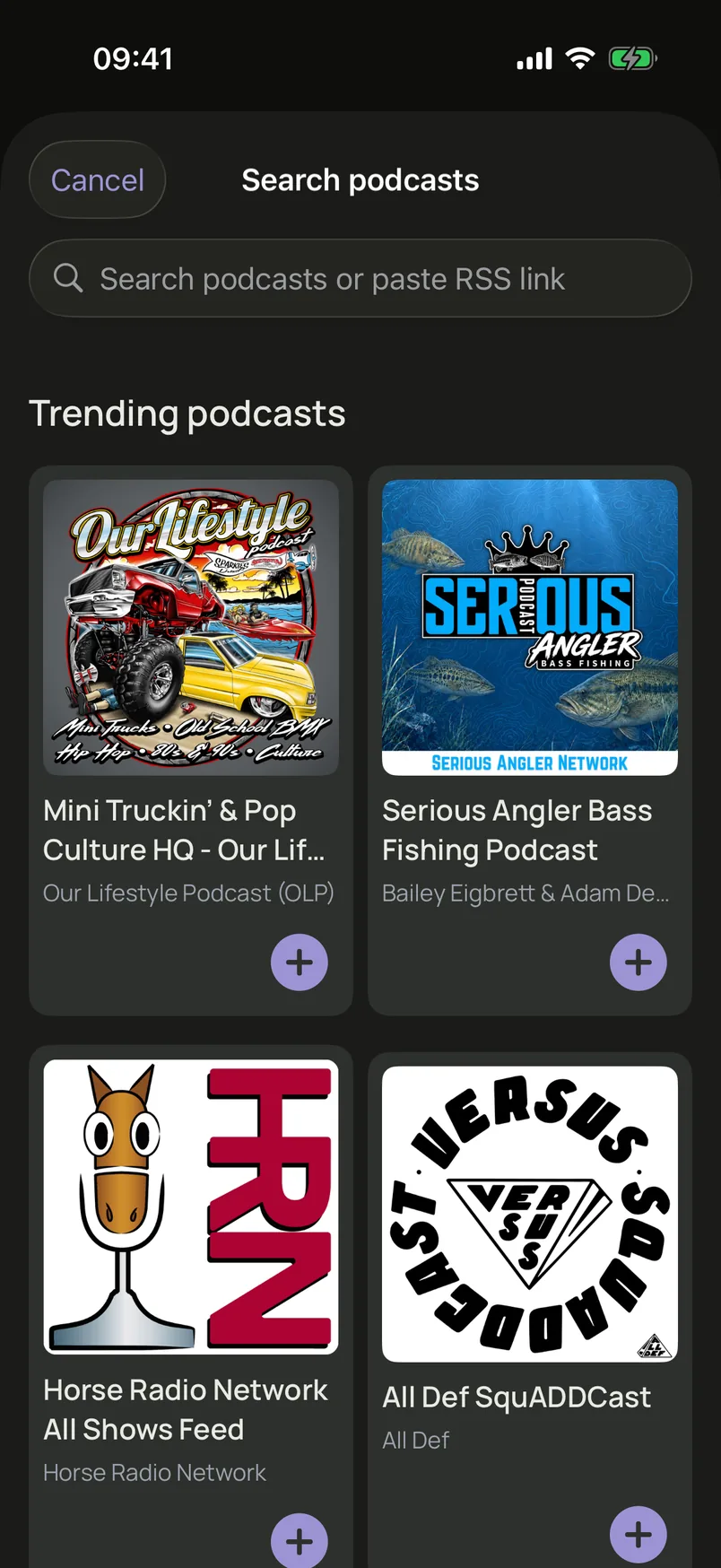
Search the Podcast Index catalog, paste an RSS link, and add audio or video shows to your library. Trending podcasts help you find something new.
For iPhone and iPad
Podivio is a podcast app for audio and video. Subscribe from the catalog or an RSS link, take notes at the exact moment, transcribe on your device, and keep your library in iCloud.
Catalog
Search the Podcast Index catalog, paste an RSS link, and add audio or video shows to your library. Trending podcasts help you find something new.
Home
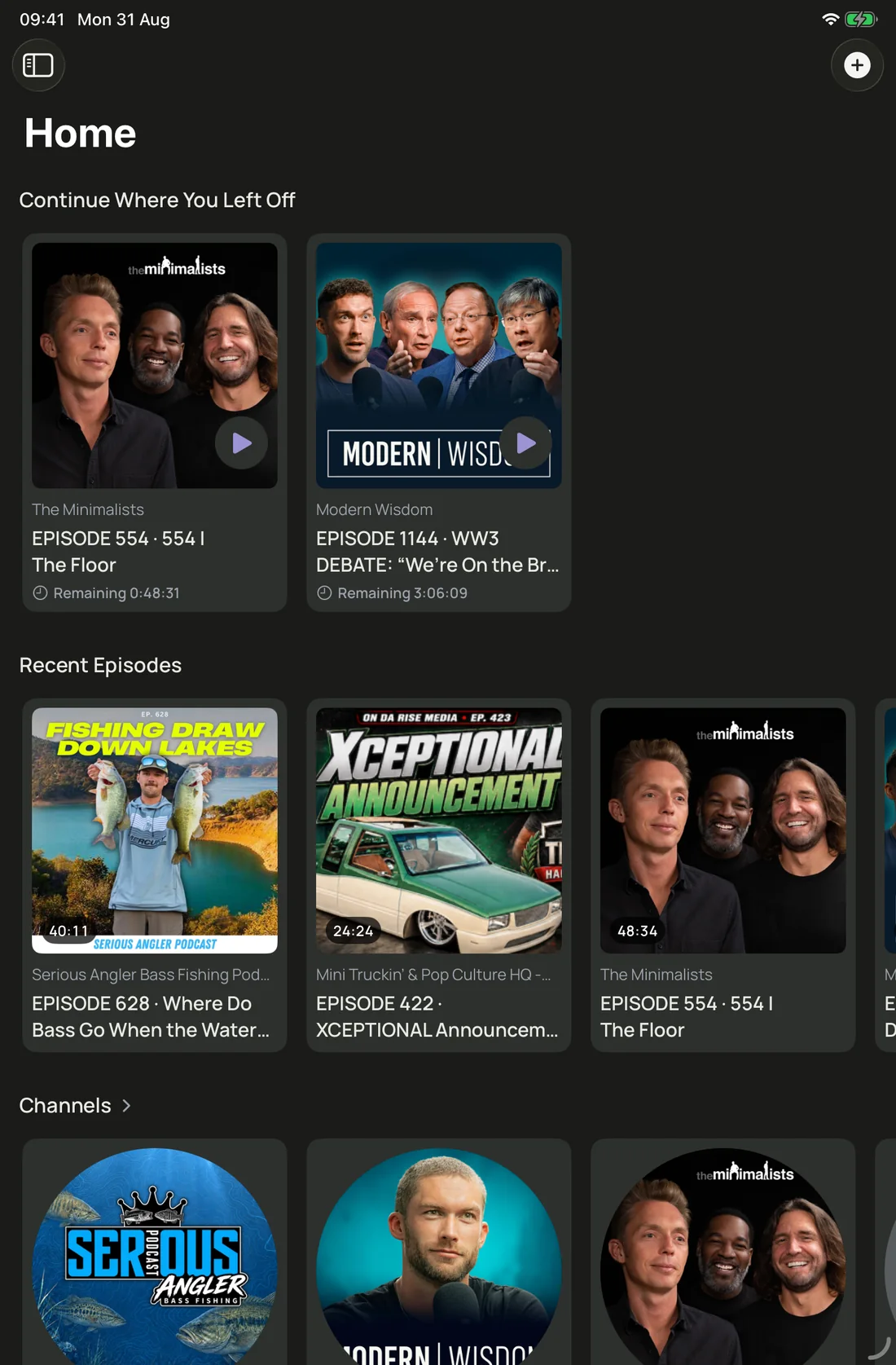
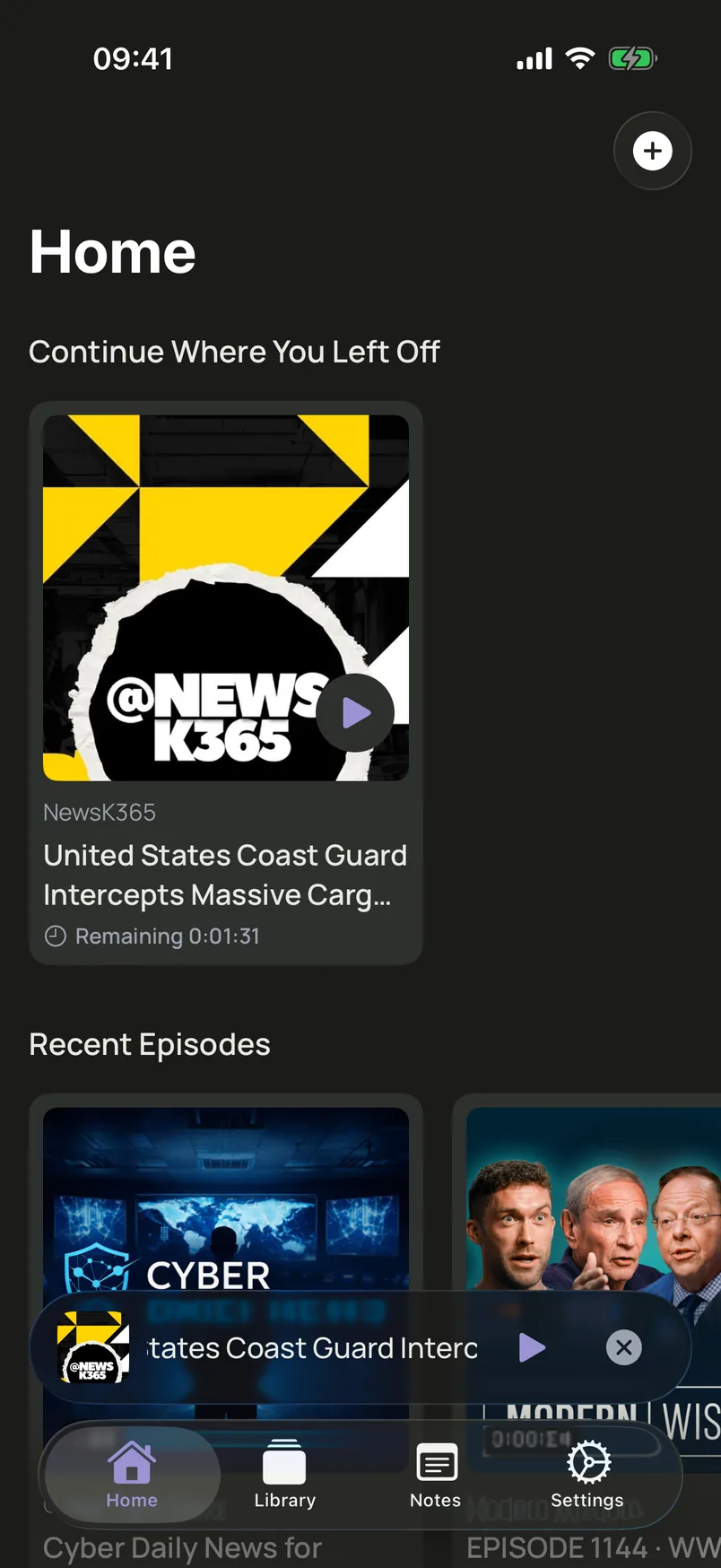
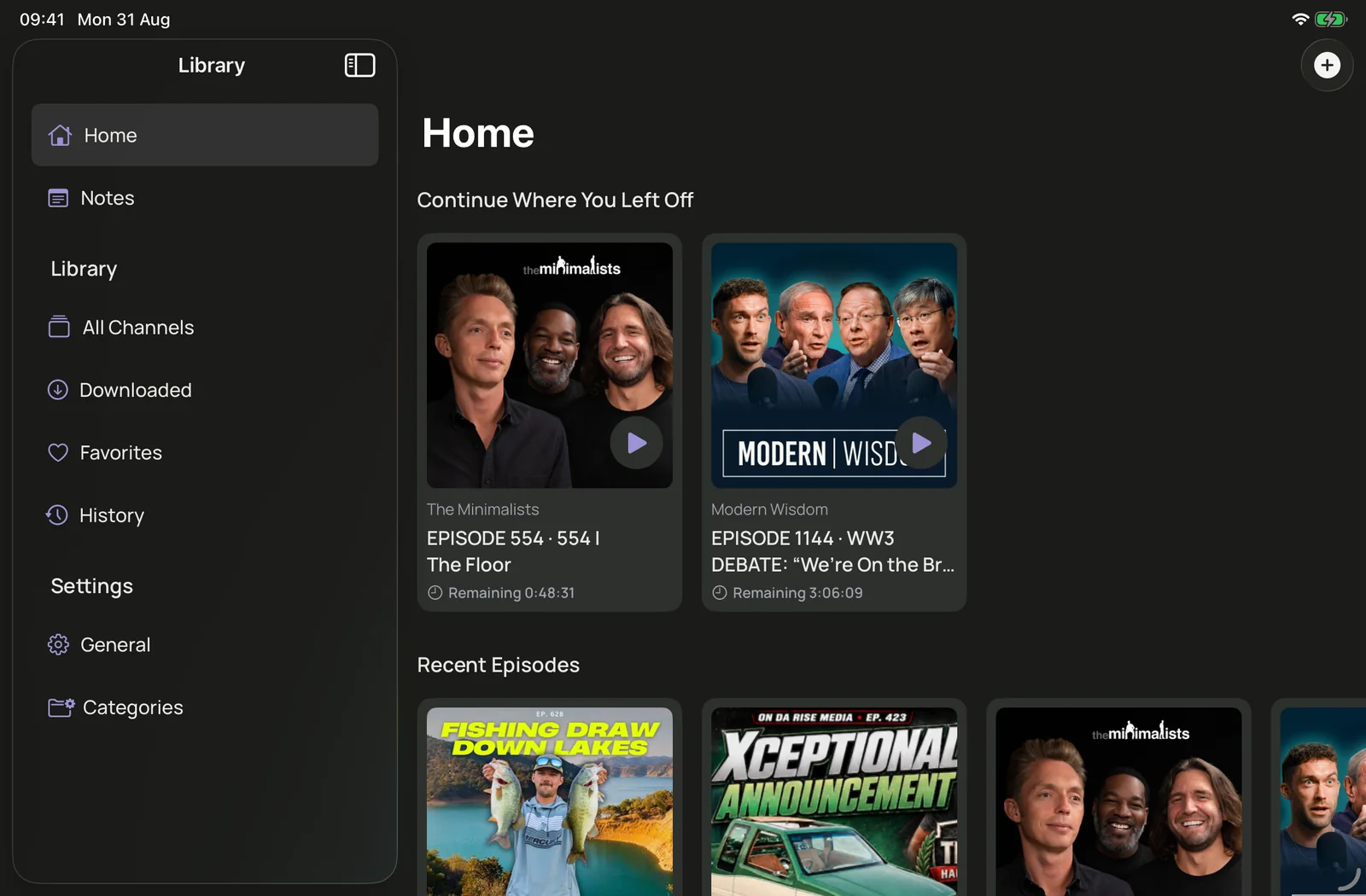
Home keeps unfinished episodes and recent releases in one place. Playback progress is saved for both audio and video, so you can continue on the next sitting.
Notes
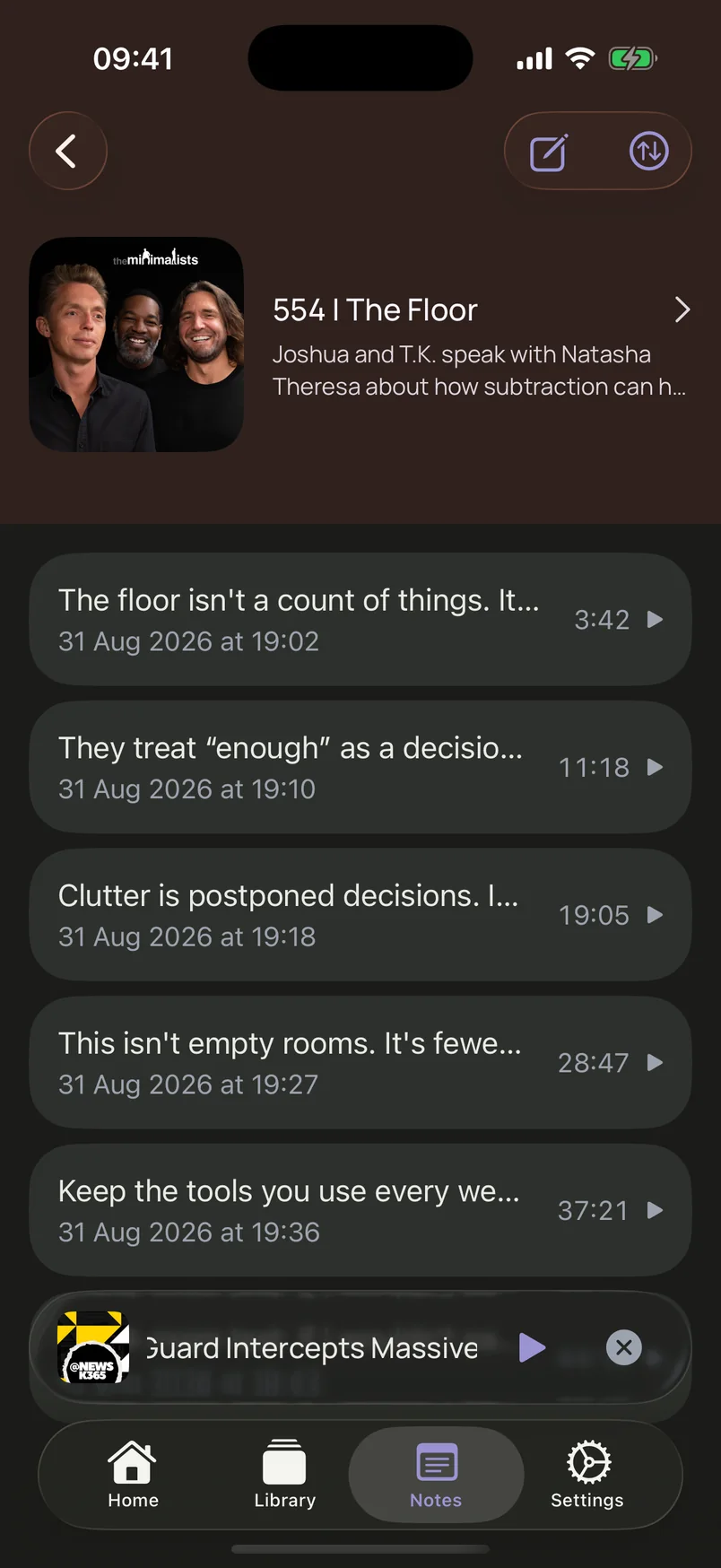
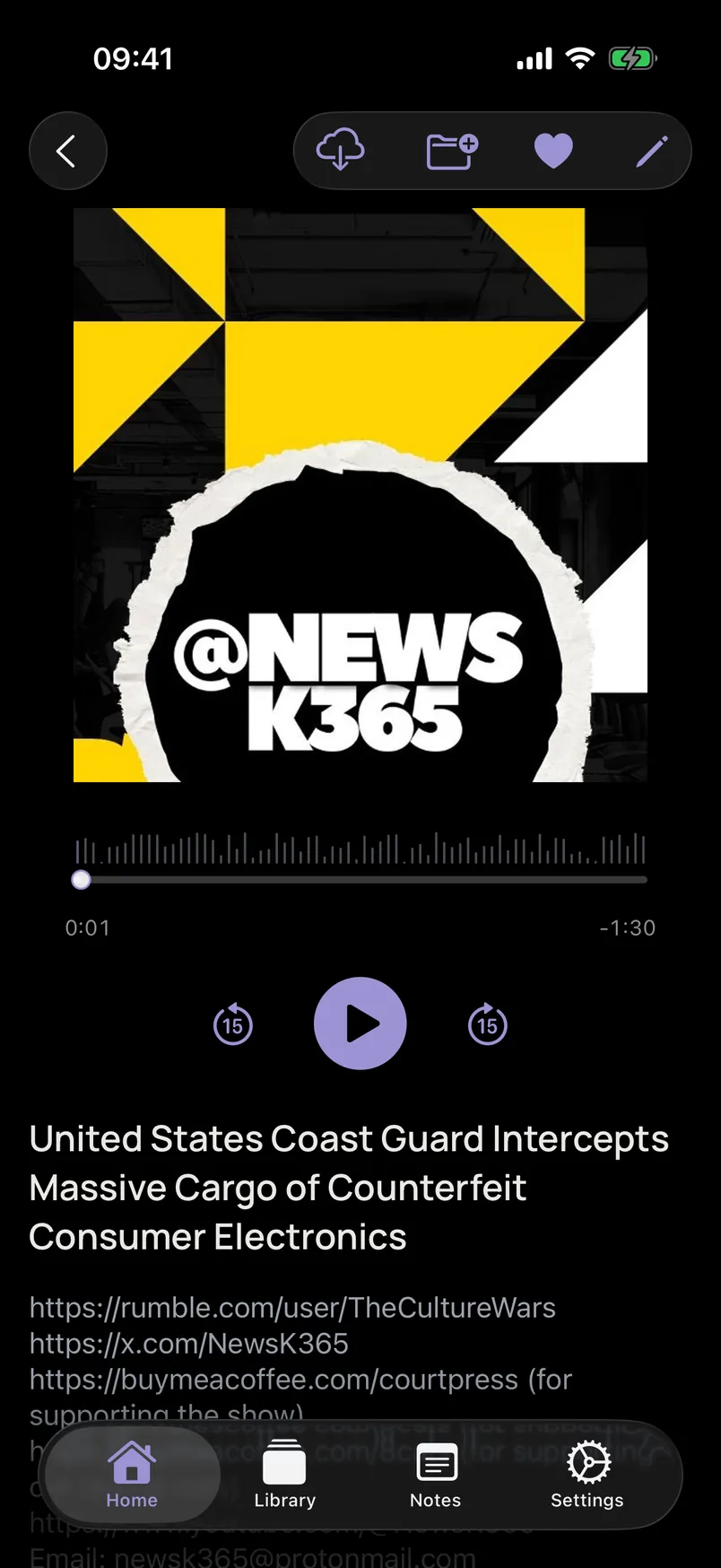
Add notes to any episode, pin them to a timestamp, and jump back to that moment later. On iPhone notes open as a sheet; on iPad they sit beside the player.
Transcription
Transcribe the episode’s own audio while it plays — no microphone, and nothing sent to Podivio. Recognition runs on-device on iOS 26 and depends on the show’s language being available on your device. It captures live speech, not a whole-episode batch file.
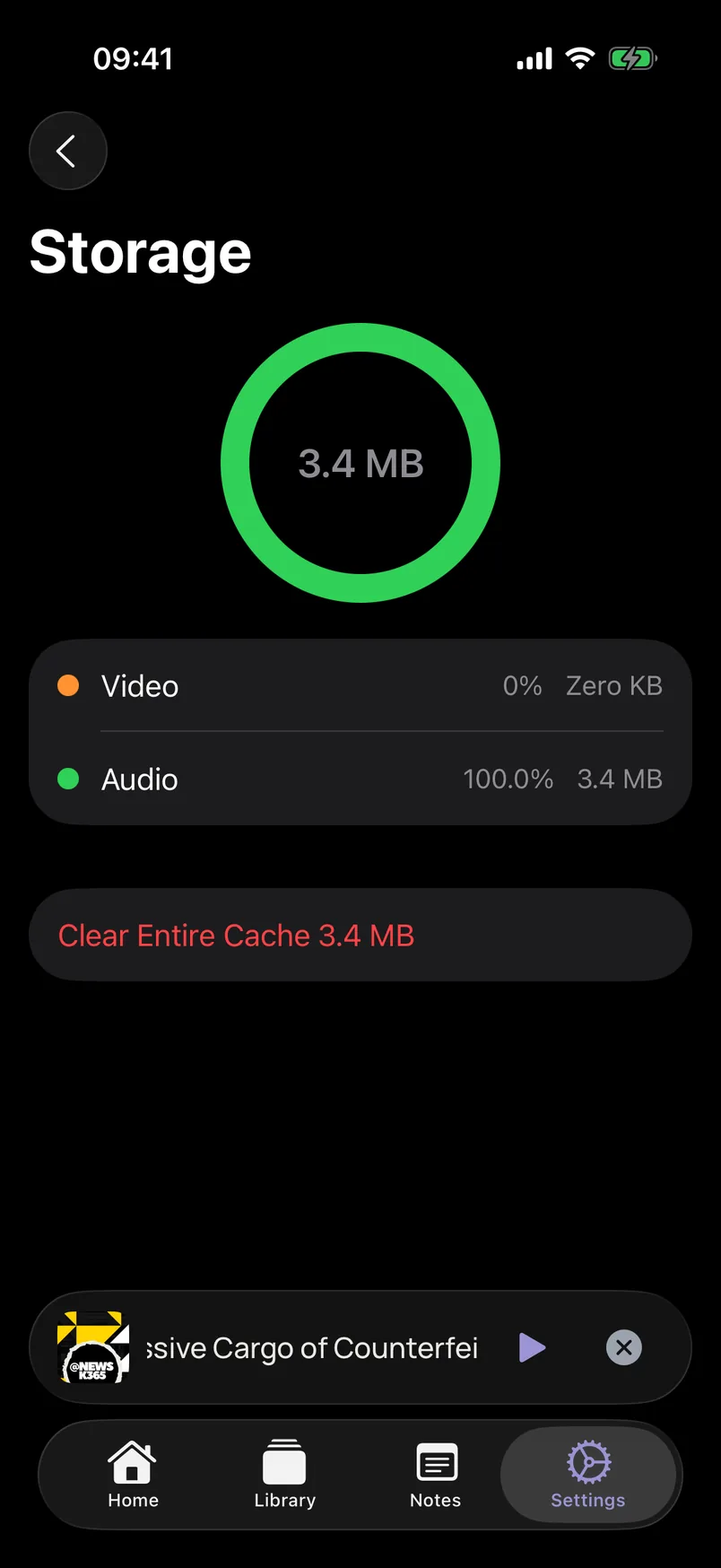
Downloads
Download episodes to the device, pause or resume a transfer, and manage local storage for audio and video. Downloaded files stay on that device.
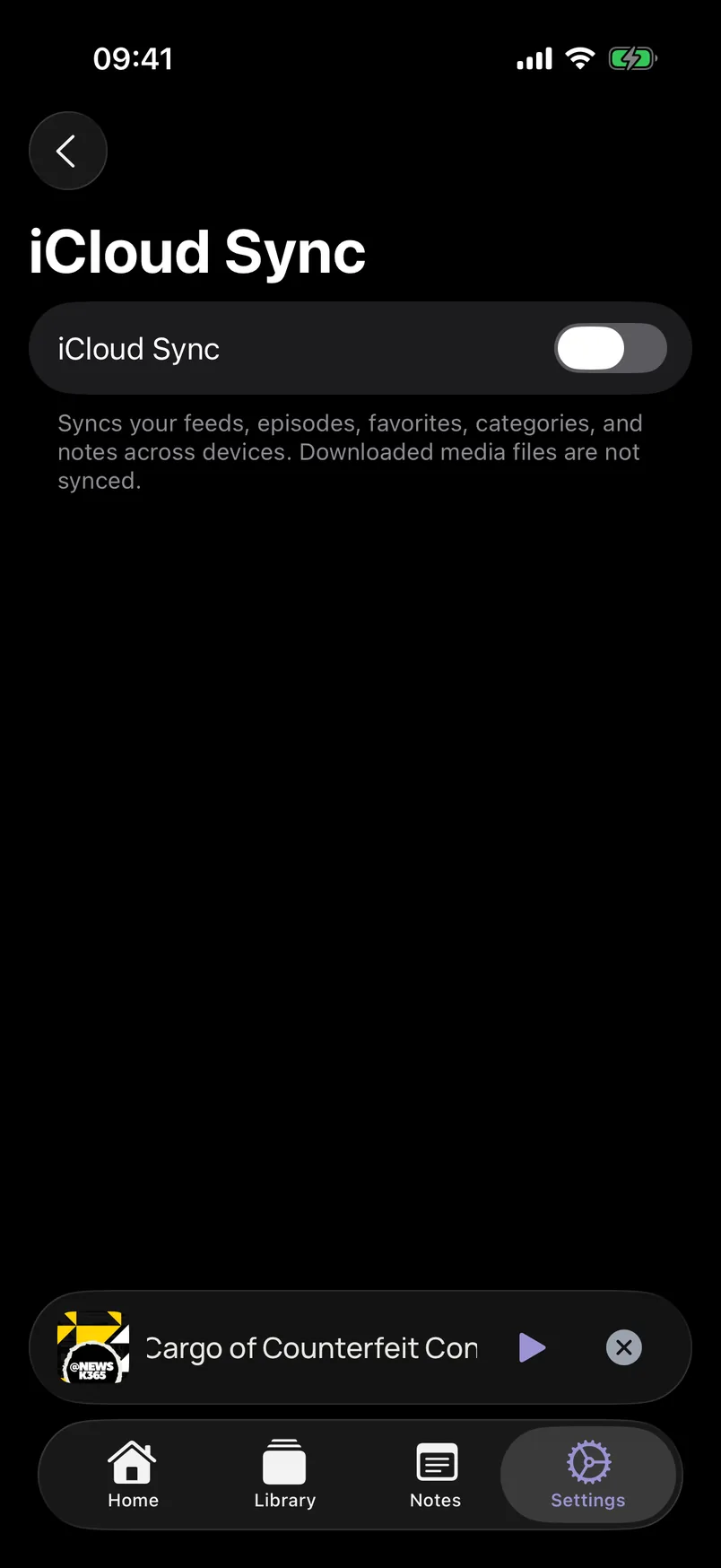
iCloud
Turn on optional iCloud Sync to keep feeds, episode metadata, favorites, categories, and notes in your personal iCloud. Downloaded media is not synced.
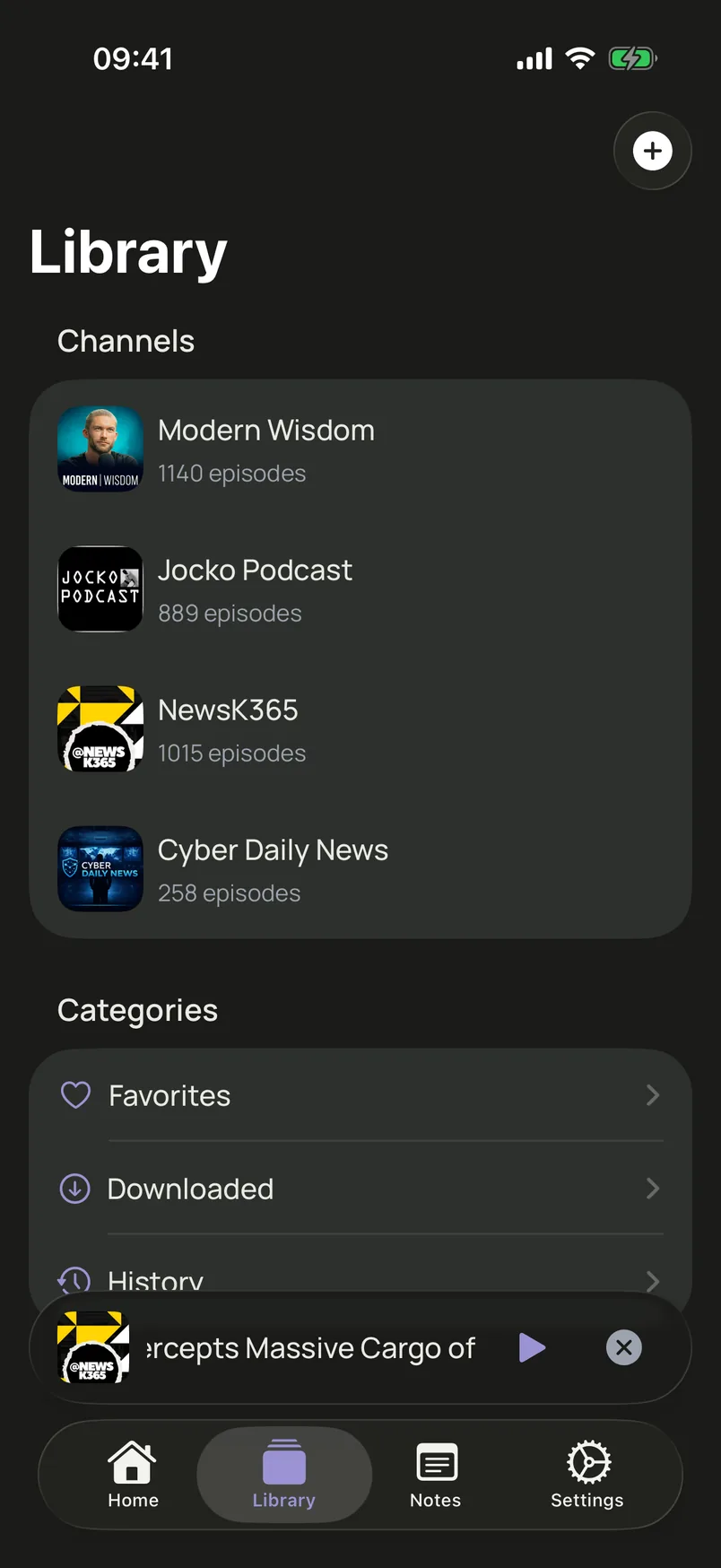
Library
Favorites, your own color-coded categories, playback history, and episode search with filters — downloaded, unwatched, newest or oldest.
iPhone and iPad
On iPhone, Home, Library, Notes, and Settings are tabs. On iPad, a sidebar and a detail column keep channels, episodes, and notes in view together.
No account, no ads, and no tracking. Catalog search goes through the Podivio API to Podcast Index. Playback uses the publisher’s own feed. On-device transcription never sends episode audio to Podivio.